My presentation at NBEA 2015 is on Introducing Big Data and Visualization Tools in Business Education.

My presentation at NBEA 2015 is on Introducing Big Data and Visualization Tools in Business Education.
Last year at ISECON, I gave a workshop about teaching Big Data to introductory IT students. Here’s an updated and slightly simplified version of the exercise we did in that workshop, modified for a class I taught last summer. Download the exercise.
This year, my paper summarized the lesson presented to students and shared student impressions of the importance of learning about Big Data.
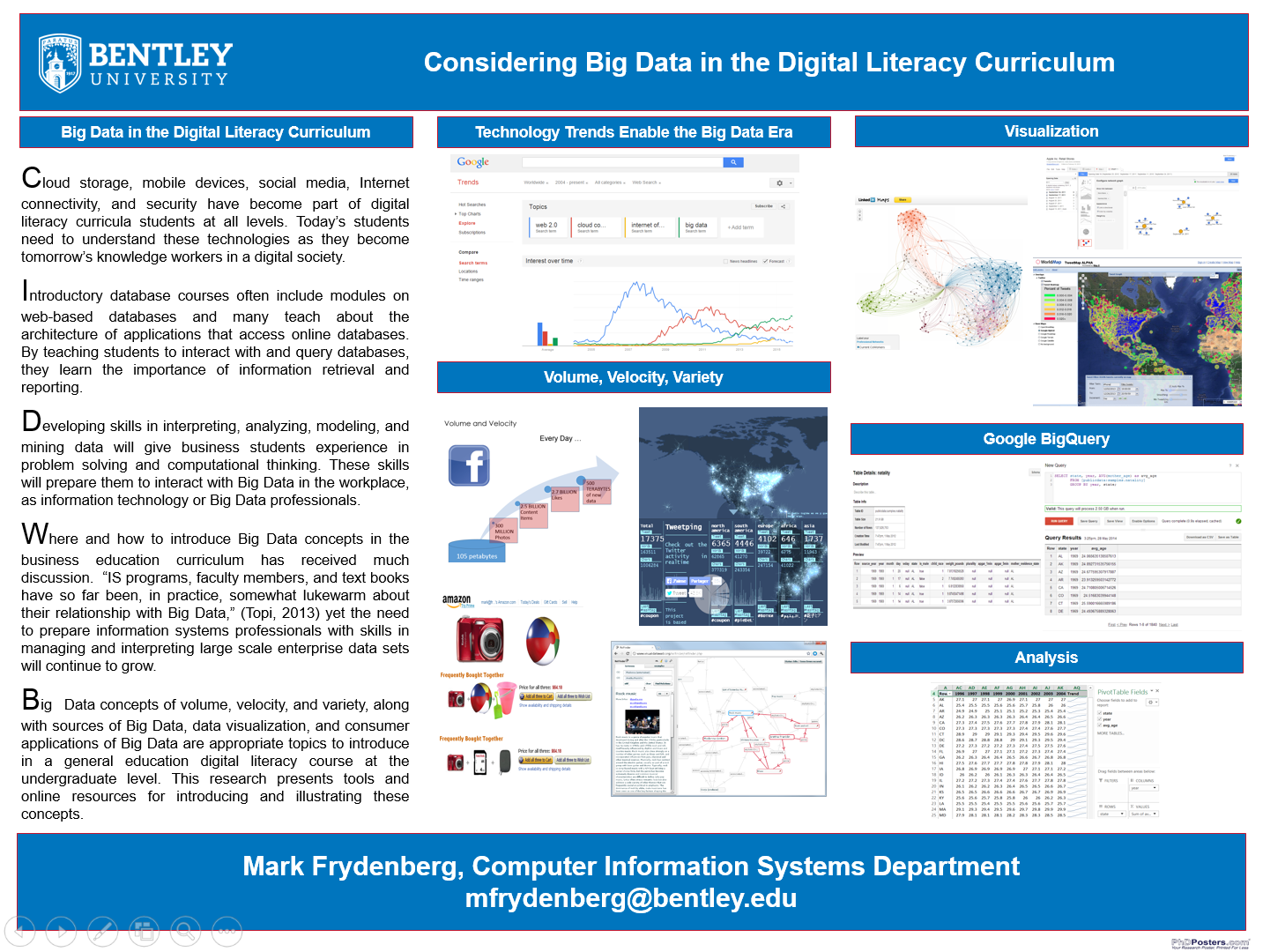
Next week, Bentley is holding a research colloquium where I am sharing similar ideas about ways to introduce Big Data topics to introductory students. Here’s my poster.
Ten years ago, the Bentley Vanguard reported that I started teaching a new class where students bought Pocket PCs instead of textbooks. There were no iPhones or iPads. Today, nearly every student owns a mobile device, and I am an author of their textbook. Who would have predicted?
10 yrs ago, my students used PocketPCs instead of textbooks. Today most have smartphones & I authored their textbook. pic.twitter.com/ZtQlSB9jfU
— Mark Frydenberg (@checkmark) November 4, 2014
CIO Phil Knutel and I share tech tips to be successful students #preparedu @bentleyu http://t.co/rCxNsIutmN
— Mark Frydenberg (@checkmark) June 29, 2014
I’m speaking today at NERCOMP’s SIG on BYO-WHAT : The Challenges and Solutions in Supporting Mobile Devices on Campus. My topic is integrating mobile devices in the classroom.
George Claffey from Charter Oak College began the day pointing out the issue around supporting mobile devices in the classroom is not the number of people, but the number of devices per person. Students have laptops, phones, tablets, maybe e-readers. It used to be that one IP address per person was sufficient, but school infrastructures need to handle this increased use of the number of mobile devices.
Here are my slides:
Gordon Hardy asked me to write a post for the Bentley IMPACT blog on unexpected things that have happened in the CIS Sandbox since we opened two years ago. It’s up on IMPACT now.
We have been able to reach students whose minds often are tuned into iPads and iPhones: A collaborative working space integrated with a social media presence promotes informal learning about technology. Companies and students shape activities and services beyond tutoring in an age where BYOD requires us to offer more than just access. This is a new paradigm for engaging students in IT learning.

My friend Lisa Litant is a Senior Writer at UPromise. She asked me to speak to her group on how college students use social media, and ways that they might reach out to college students using social media. I asked one of my most connected students, CIS Sandbox assistant and CIS Minor Matt Somma, to present with me. Here’s our presentation:
Can’t wait to present to @upromise and @salliemae today on #SocialMedia with @checkmark
— Matt Somma (@somma_matt) April 18, 2013
I happened to be speaking to Mary Grush, Conference Program Chair and editor at Campus Technology Magazine about my presentation last week on Tools for Teaching and Evaluating Big Data at the Cengage Course Technology Conference. She asked if I would be willing say more about the topic, in a Q&A for Campus Technology Magazine’s C-Level View Feature. She sent me the q’s; I sent her some a’s.
The feature explores tools for teaching big data as well as the implications of big data in higher education, and is now online. I need a new picture. 🙂
Here’s a teaser quote:
When Tim O’Reilly and Dale Dougherty first described the Web 2.0 phenomenon back in 2005, one of the characteristics they cited for business models for the next generation of software was “Data as the next Intel Inside.” As companies and their applications moved to the Web, data gave them power. Today, data is at the center of a company’s value: Tweets, searches, and Likes give Twitter, Google, and Facebook information that determines the advertising you see when you use their services and provides revenue from advertisers that keeps these sites available at no cost to users.
I hope to offer a workshop on this topic at the Campus Technology Conference 2013 in Boston this summer.
I presented Drinking from the Fire Hose: Tools for Analyzing and Teaching Big Data at the Cengage Conference today.
My presentation is below, and thanks to Ryan Norris who shared his slides with me from his presentation at the CIS Sandbox a few weeks ago. I would have never thought to begin a talk on Big Data by talking about Kevin Bacon.
I’m presenting on “Student Voices in a World of Social and Digital Learning” at several Cengage events this spring. Here’s the slide deck.